The Analytics Edge GSC Warehouse application downloads your GSC data into a local database. The 3-step setup process involves:
- the license agreement, [Setup]
- creating a client database, and [Clients]
- adding the data sources [Data Sources]
To populate the database, you need to [Refresh] the data. This also lets you schedule the refresh and enable the automatic backup.
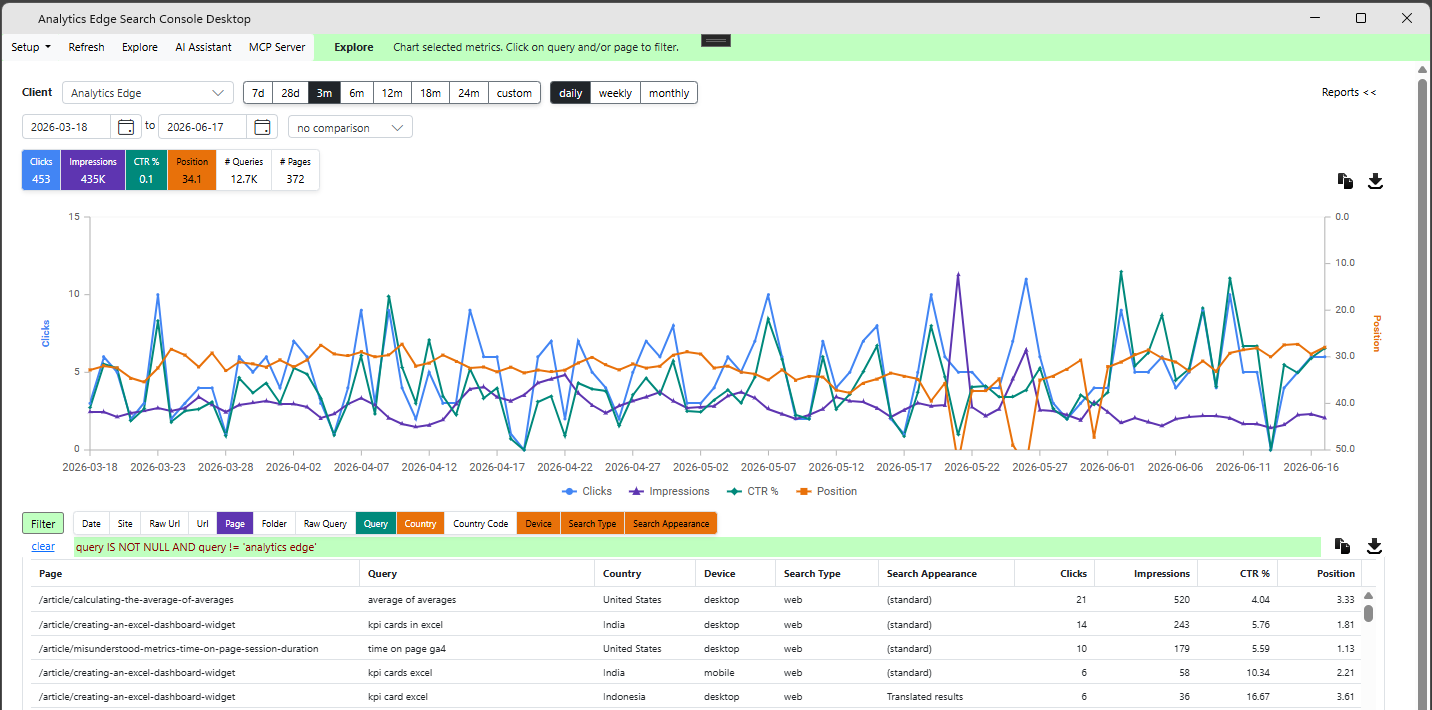
Then you get to [Explore] your data, combining metrics and dimensions using the interactive chart and table.
You can create your own custom queries, and you can use the [AI Assistant] to help. If you want to use AI to query and analyze your data, you can enable the built-in [MCP Server].
Contact support@analyticsedge.com for information.