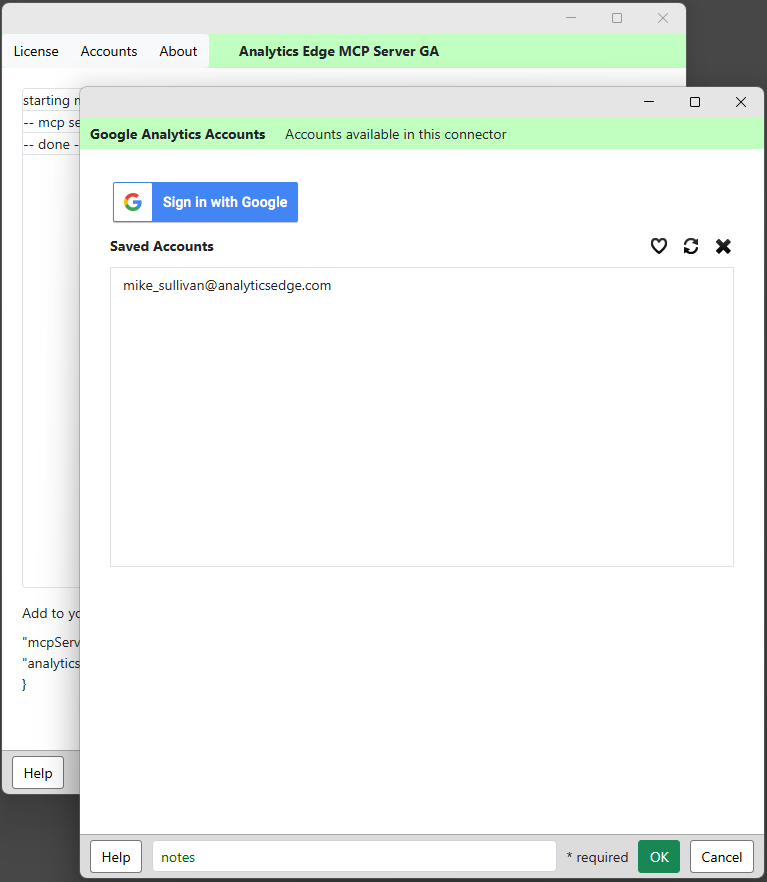
The Accounts wizard allows you to interactively add, refresh or delete accounts from your installation.
Click the Sign in with Google button to login and add a new account (similar to the initial setup login process). There are no account limits in Analytics Edge products.
The login process generates a security token which is encrypted and saved to your computer. Should something change in the account, it may be necessary to refresh the security token — just select the account and click the refresh icon.
To delete an account (and the respective security token), select the account and click the delete icon. Note: to remove the access permissions granted, go to Google’s Manage your Google account > Data & privacy > Third party apps & services > AE Exporter > Delete all connections.