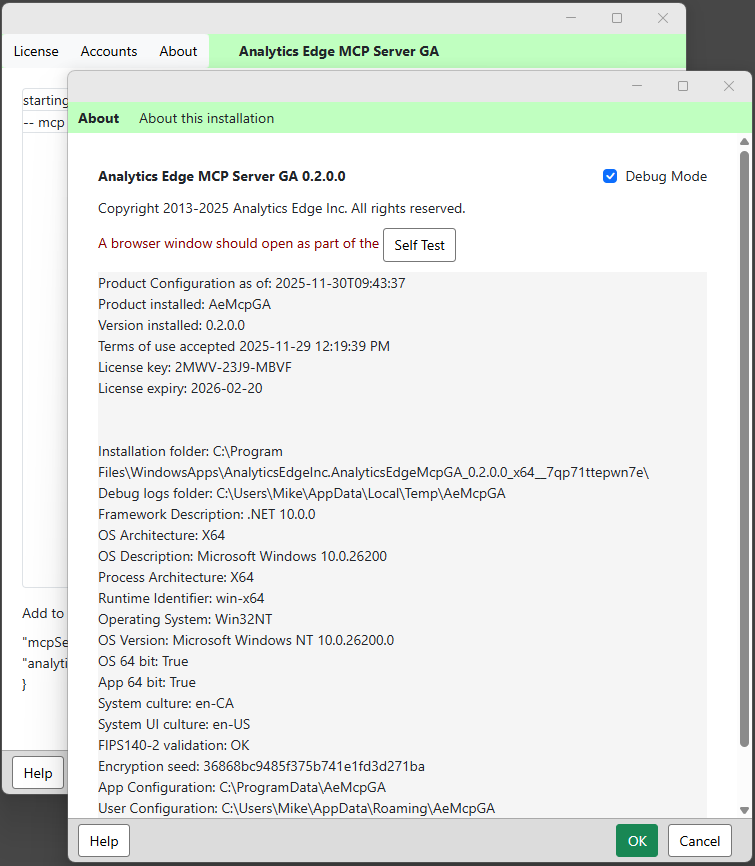
Opening the About wizard will show your some details about the MCP server installation. Share this information with support if you have a problem. The ‘self test’ will open a browser window that you can close — it tests a critical function of the account login process.
Note that by default, the experimental release has debug mode enabled. Check the Debug logs folder for debug files showing details of recent API calls and responses.